VR fitness: dance and yoga in a headset — what works and which headset
Is VR good for dance and yoga workouts? What a headset adds, which ones work (from Meta Quest to a ₹300 cardboard viewer), safety tips and how to start in your browser.
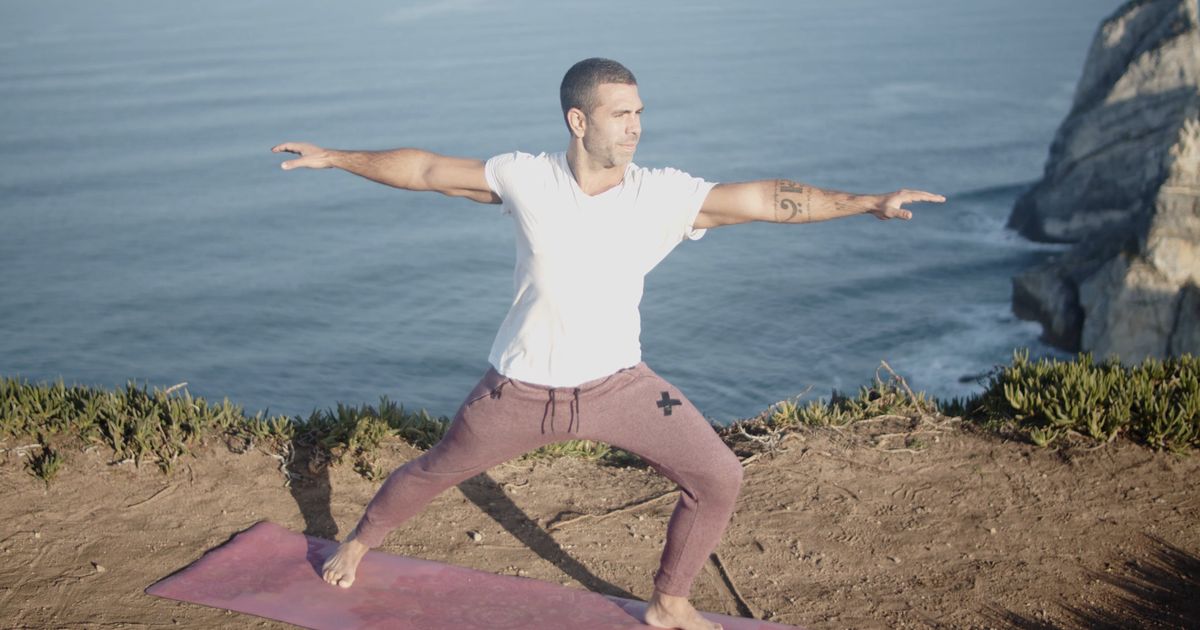
A VR headset does one thing no screen can: it removes the room. The laundry, the mirror, the feeling of being watched — gone. You are on a ridge in the Himalaya or a beach at sunrise, and the class happens there.
Why it helps
- Privacy. Many people never start dance or yoga because they feel self-conscious. In a headset, nobody is there.
- Focus. No phone notifications, no wandering eyes. Yoga holds feel longer and calmer.
- Play. Head movement can be measured, so a bounce on the beat scores a point. It turns a workout into a game.
Which headset?
- Meta Quest 2, 3 or 3S — the easiest. Open the browser, go to the class page and press the VR button. No app to install.
- Pico 4 and other standalone headsets with a WebXR browser work the same way.
- A cardboard viewer for your phone — the cheapest way in. Chrome on Android opens VR sessions; gaze and head movement do the rest.
360° classes vs the virtual studio
A 360° class is filmed with a camera that sees in every direction, so you stand inside the instructor’s studio. A virtual studio places an ordinary class on a big screen in a 3D landscape, with a move-along figure beside it. Both run in the browser.
Stay safe
- Set your guardian boundary and clear the floor. Dance moves are bigger than you think.
- Choose low-impact classes for your first sessions — no jumping until you trust the space.
- Wipe the face cushion; take breaks if you feel motion sickness.
- Sitting yoga and breathing classes are a gentle way to start.
On Move, every class gives you five free minutes — including in the headset — and the Premium VR pass opens every 360° class and the immersive studio.
Also in